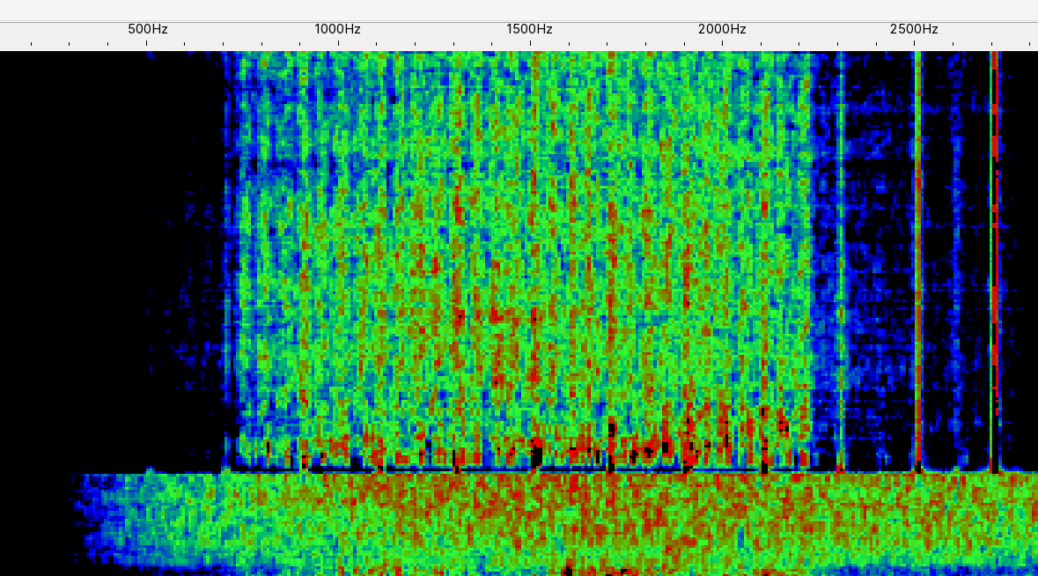
FreeDV (https://freedv.org/) is an open source project to create a digital voice mode that is free from proprietary code and infrastructure. There are already digital modes (mostly for VHF) that require specialised hardware and proprietary software to use (D-Star, Fusion). This means they aren’t interoperable and cost more money to try as you need to get new radios and repeaters for your network.
An open source approach allows anyone to contribute to the project as well as the flexibility to make the software work with virtually any radio that can send and receive an audio signal to a computer. The project started in 2012, and has grown a huge amount since. With the beta release of their latest encoder RADE in 2024, the software is now growing in popularity as the quality and stability of calls has reached a very high standard.
When comparing to SSB the leap in quality is stark, my first FreeDV QSO was a great example of this. We were working 20 meters, the other station was >1000km away; with sideband I could barely hear that there was a voice coming through the static, it was not legible in any way, a “two one” report. Once we switched on the digital modem however, it was a clear 100% copy with no static or audio glitching, I was truly amazed at how well it was working.
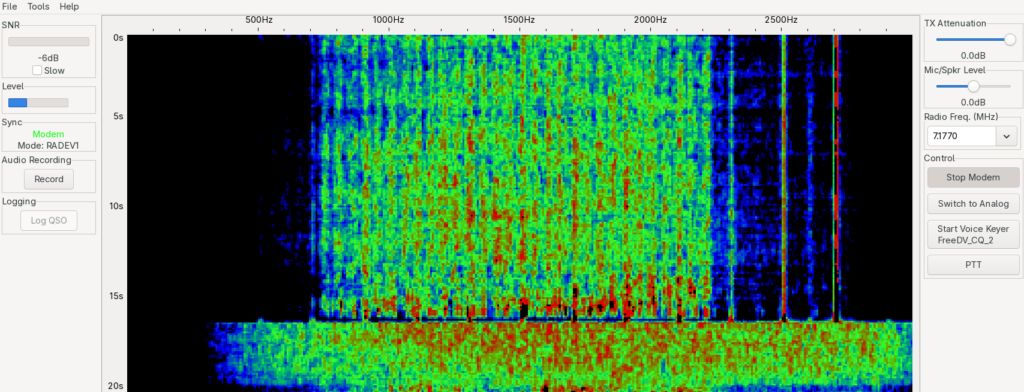
One of the other huge benefits I wasn’t expecting of this mode was that you are likely to find people who are interested in actually having a conversation. When I started on HF I was a bit dismayed that most SSB contacts I made were a very short hand shake of at best the usual “callsign, signal report, QTH, name, radio, 73”. I think myself and many other new hams were hoping to be able to make contacts where we could meet new people from different cultures and learn a bit about each other’s worlds. This is something I’ve heard echo’d from older hams, who are longing for the days of pre internet radio, where I am told such QSOs were more commonplace.
With FreeDV almost all my QSOs have been a several minute conversation where there was multiple back and forths and even multiple stations joining in the conversation. I had a really good half hour conversation between myself in Sweden, a station in the UK and a station in Austria. This was made possible, in part, by the highly functional reporter that is built into the FreeDV system.
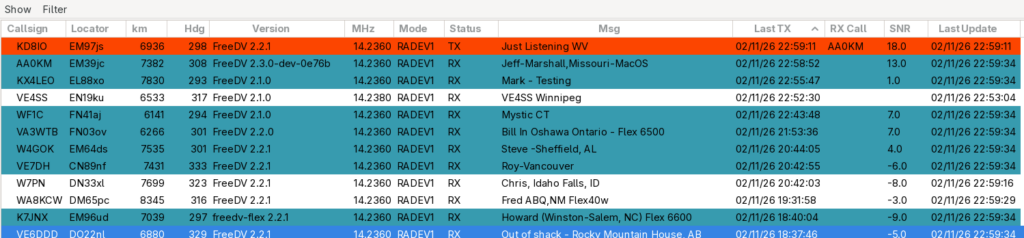
As the mode is digital it is assumed that most stations are internet connected, and as such when you are listening, transmitting or actively receiving a station, it is reported to the FreeDV reporter (https://qso.freedv.org/). This uses websockets to provide you with a real time display of who is hearing whom, what frequency they are on, what their SNR is, and it even allows for users to write a small message to each other. This message usually takes the form of a person’s name and QTH, but it has been tremendously helpful for myself and others to debug other stations that are having issues. My first QSO for instance, came after another station had been able to alert me that I was transmitting an additional tone (which came from a VOX option I had inadvertently left enabled) that was stopping my signal from being decoded.
Now that hopefully I have sold you on the idea of trying the mode, here are a few tips to get you up and running sooner than later:
- The application is available for Linux via an AppImage! You can also install on MacOS and Windows, so there are no excuses.
- You need to be able to receive and send audio signals from your radio to your computer and back. I won’t cover how to set that up in this article as there are many other articles and guides that will be more specific to your radio. If you have ever done FT8, you are able to do FreeDV too. In fact it is maybe even easier with the options menu in FreeDV than in WSJT-X.
- Open up the reporter from the application, you can look in the browser (https://qso.freedv.org/), but the in app one is a lot nicer to use.
- Sort the columns in the reporter by “Last TX”, descending. That way you will see who is actively talking in at the top of the list, highlighted in red.
- Assuming you have CAT control of your radio, you can then double click on a station that is currently transmitting (highlighted in red), to change to that frequency and see if you can decode their signal.
- When a station is decoding a signal they are highlighted in blue in the reporter, and you can see a SNR value for the report. This lets you see if a station is being heard well near you.
- For FreeDV to decode successfully you typically need > -5 SNR, this is a lot more than is needed for FT8 (> -24), but it is still a lot less than is needed for SSB.
- One thing to look out for is that FreeDV is considered a voice mode by its creators, this means it has chosen to follow the convention of using LSB for frequencies < 10 Mhz and USB for frequencies > 10 Mhz. This is in contrast to the typical convention that all digital modes are using USB.
In summary, this is a great open source project that will make it easy to find people to talk to, at further distances, and with higher fidelity than I’ve ever experienced on HF. What’s not to love? Hope to hear you on the air soon!
73 – Anon